Use of large-format displays by the fire department

Last search queries

Use of large-format displays by the fire department

Interactive displays for your fire station control centre
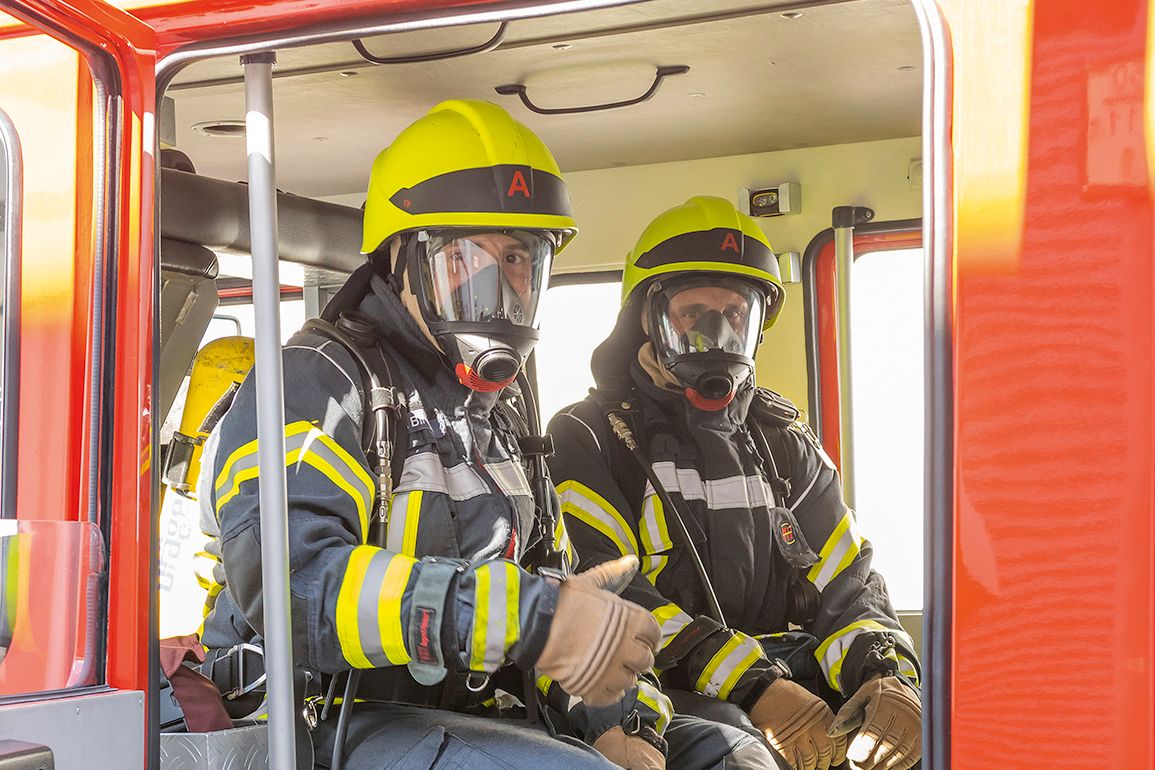
Firefighters don't just stand around when they're on a call. So why should it be any different at your headquarters? It's just as important here to react quickly, maintain an overview and keep everyone on the same page. Wherever possible, use state-of-the-art technology, such as our interactive touch displays.

A few examples of use
#
Children's and youth fire brigade
What do I need to watch out for when creating an emergency lane? Why does a fire burn, and how can it be extinguished? Children find topics like these particularly easy to understand when they can interactively participate in finding the solution. With the integrated Note app, you can easily create interactive content yourself without any prior knowledge.
#
Training, teaching
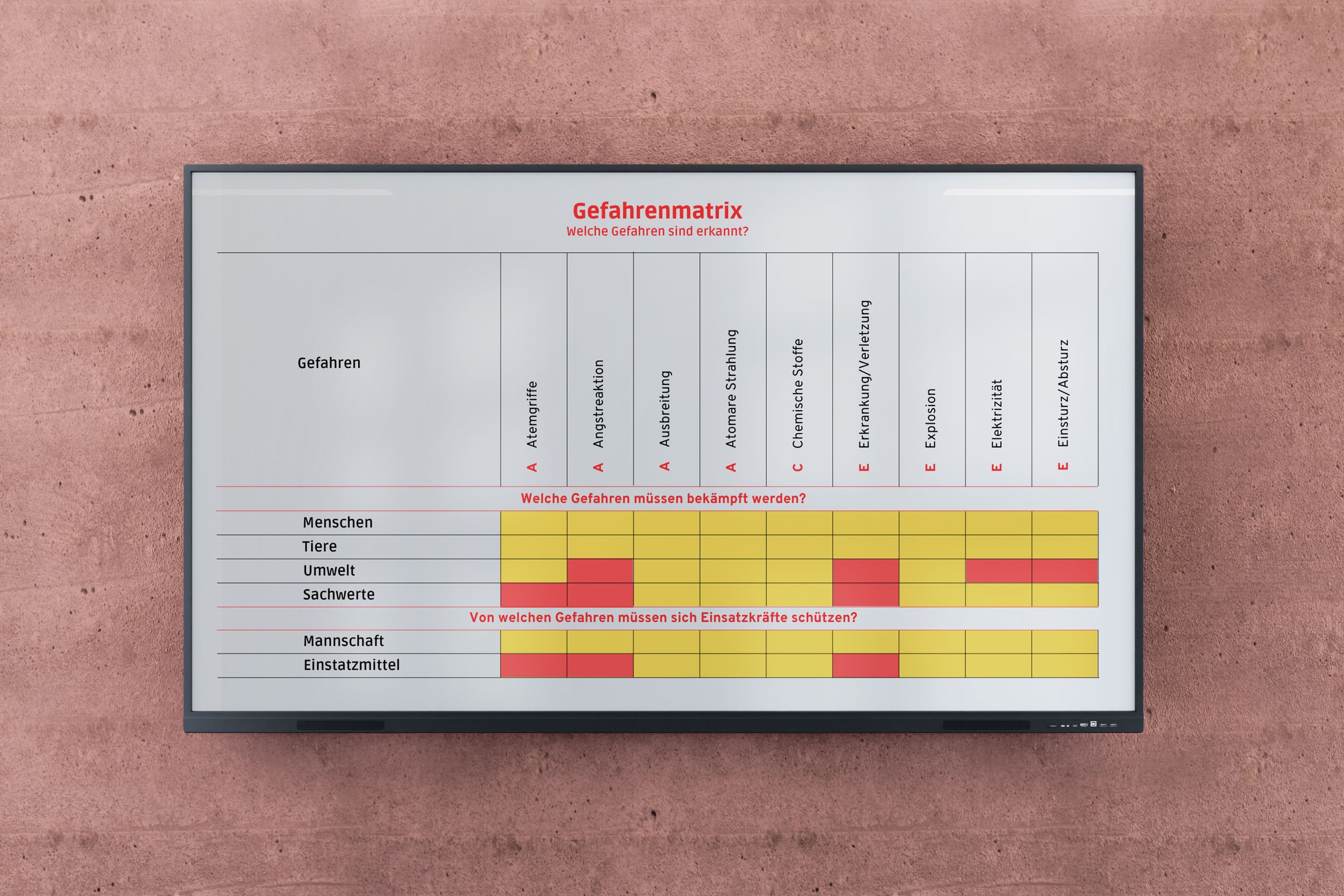
The display provides you with a complete computer with an Office package including Windows Ink. Notes and comments can therefore be entered directly into your PowerPoint presentation. This allows participants to interactively fill out a risk matrix together and correct the information. Anyone who cannot be there in person can join online.
#
Info panel and alarm monitor 
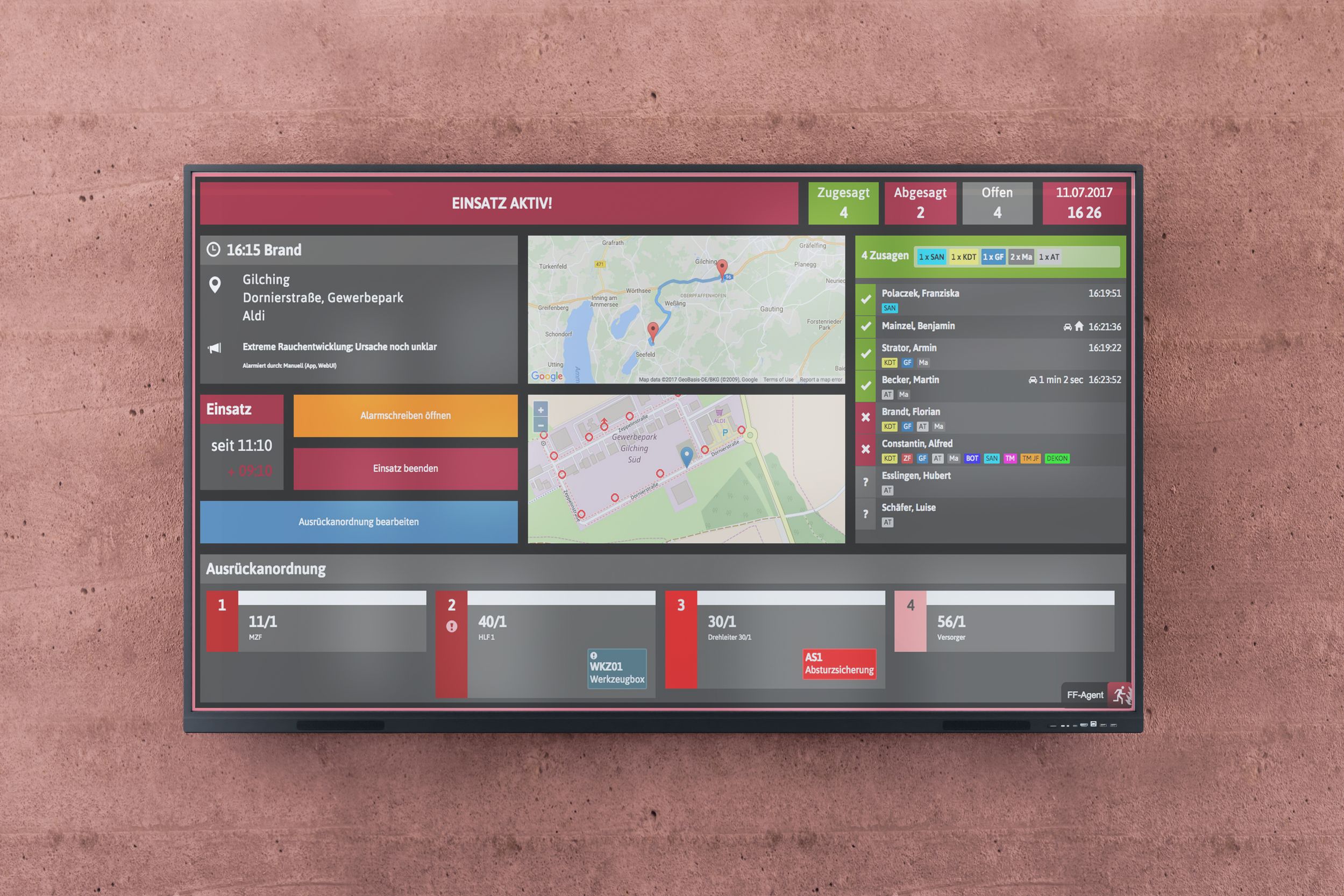
When connected to a Raspberry Pi, the display switches from calendar view to alarm mode in the event of an alarm. All information about approaching emergency services or a map of the situation is now displayed here. Additional forces can be alerted via touchscreen. Operations can be easily entered and the operation can be followed up immediately.

‘Thanks to the displays, I can make training more modern, creative, lively and dynamic and I need less time to prepare for lessons. This gives me more free time for my voluntary work.’
Carsten Gromball, Groß Munzel Volunteer Fire Brigade (Barsinghausen)
#
Location maps, fire board, tactics board
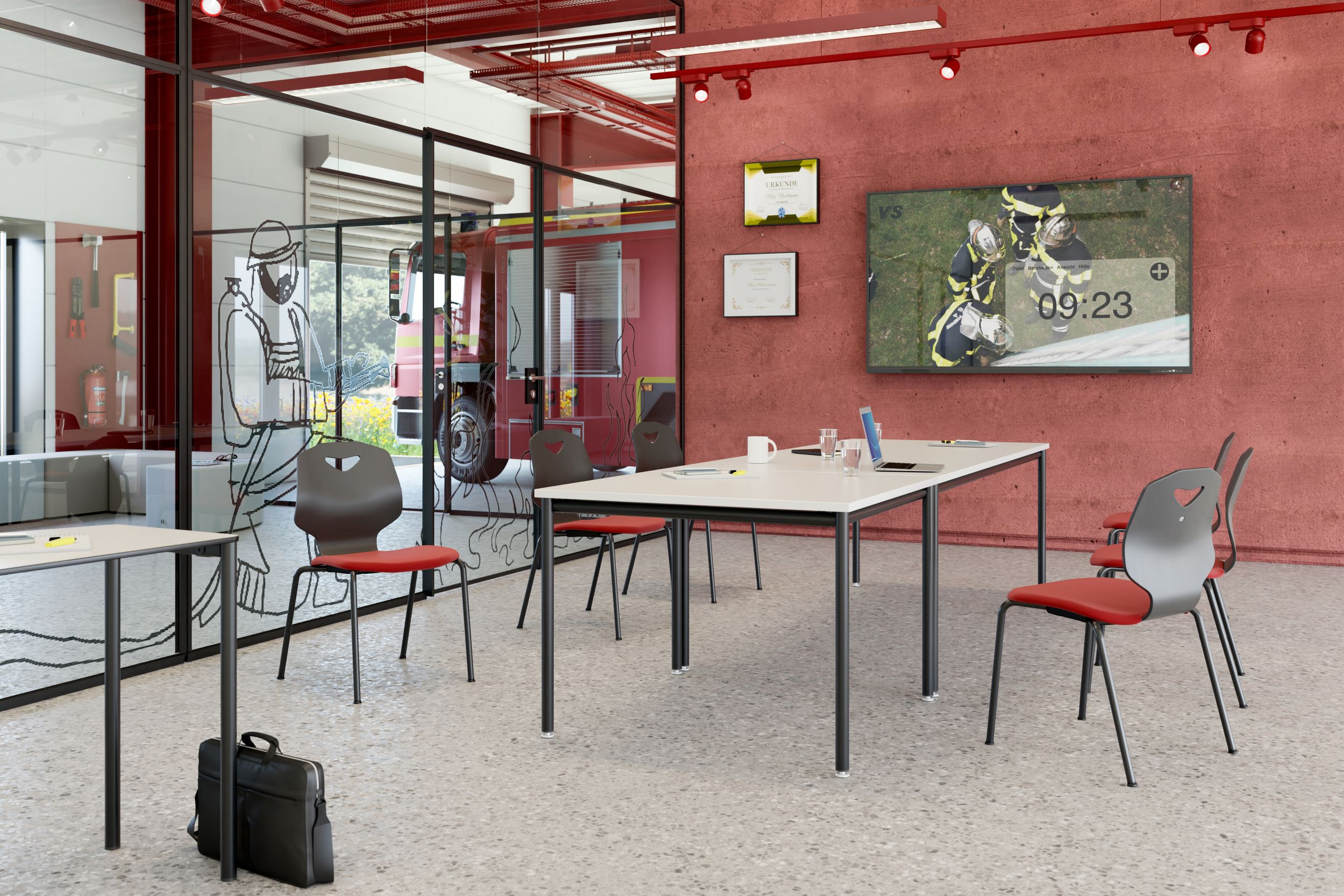
In no time at all, you can create location maps on the display, for example with your own bird's-eye view images taken by drone, Google Maps or with maps and images stored in a shared cloud. You can insert tactical drawings directly onto the location maps on the display.
#
Operations command centre 
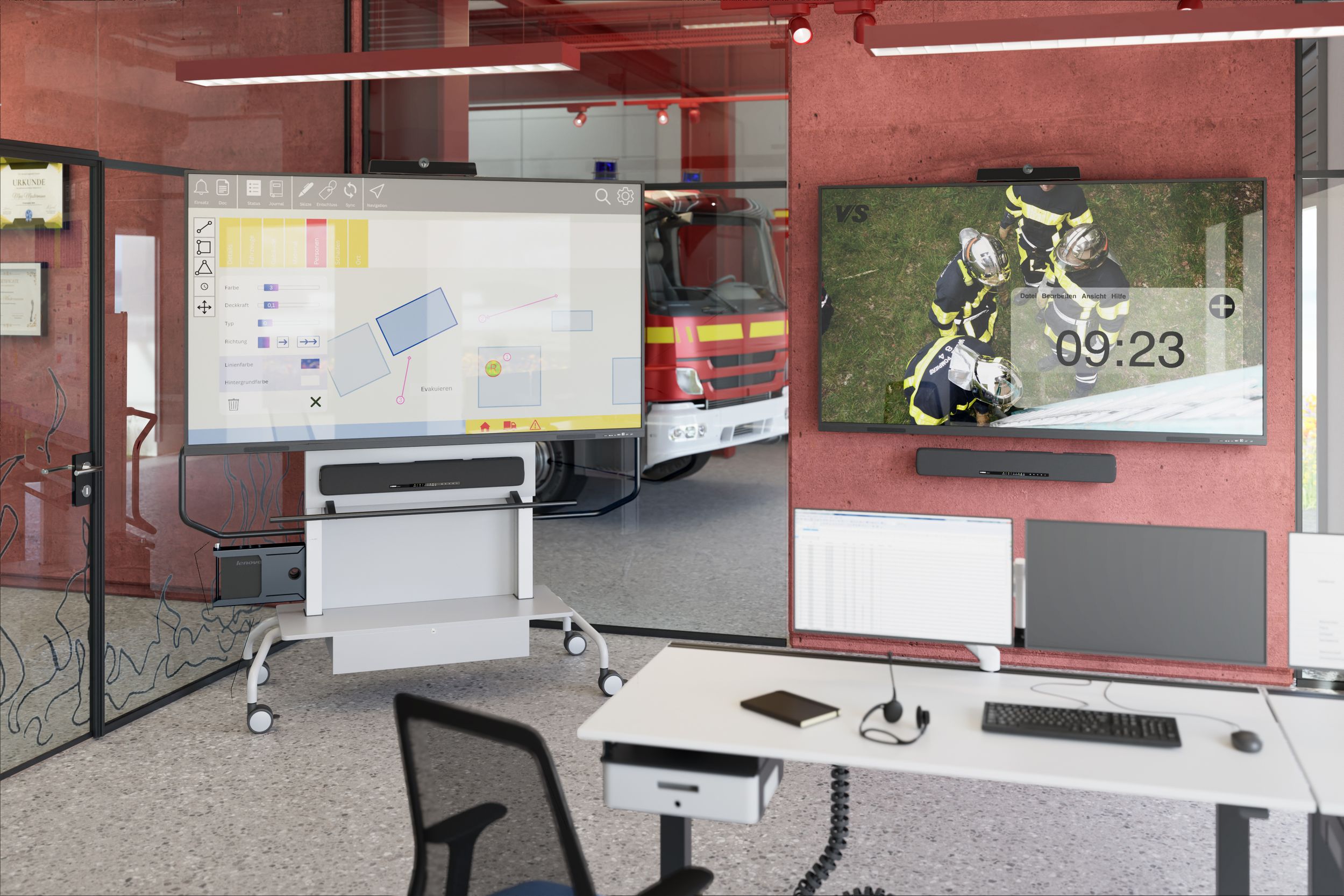
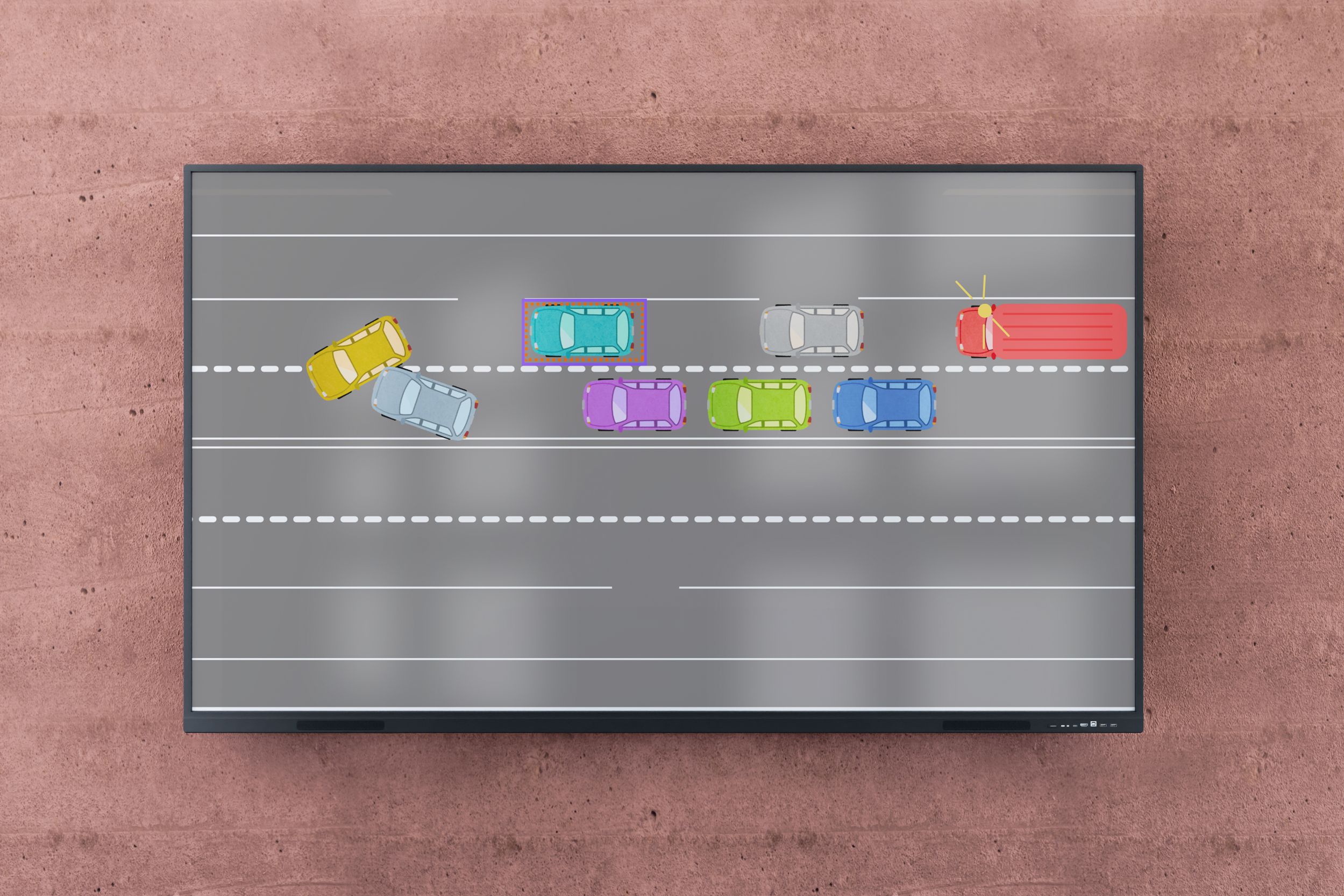
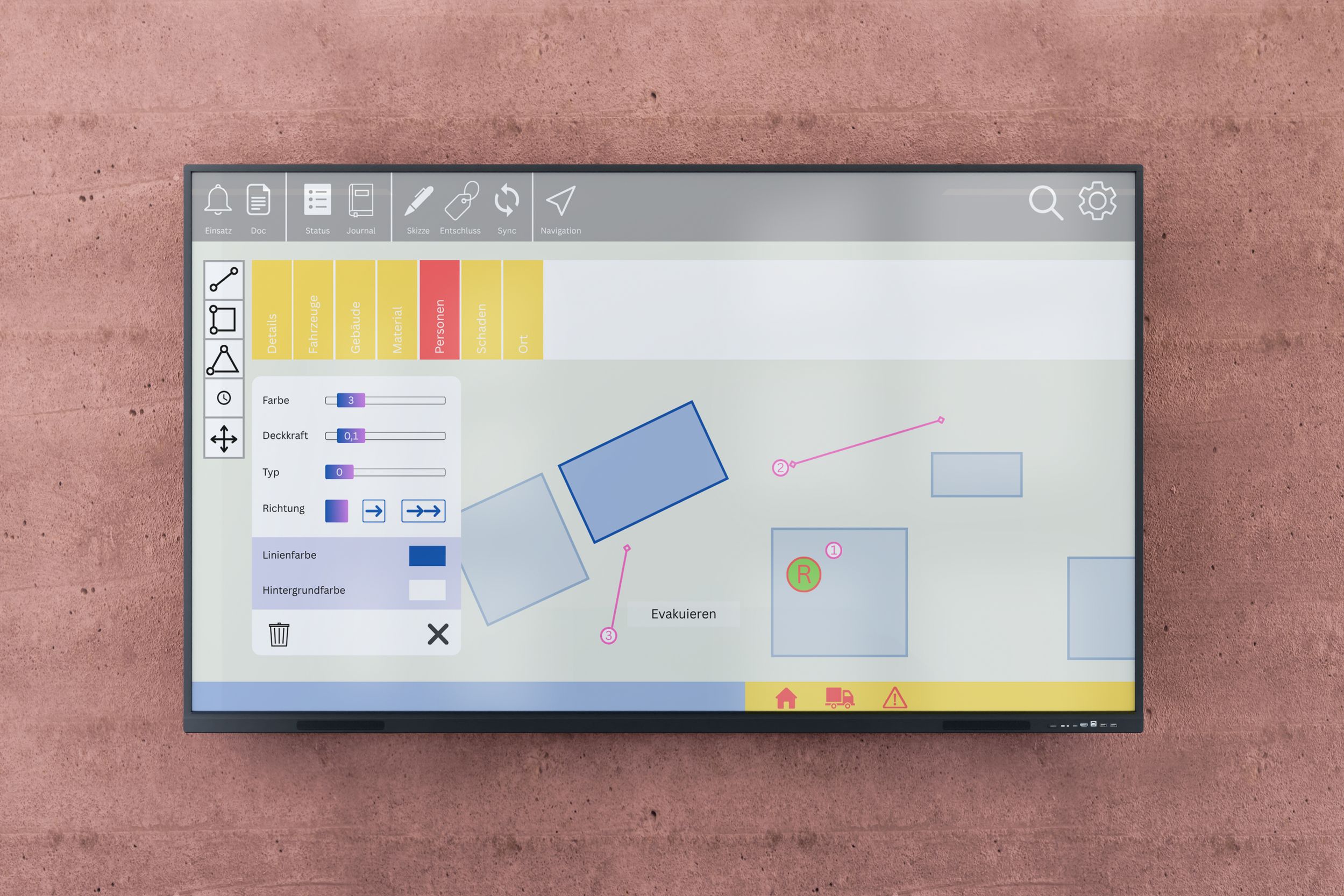
Interactive displays simplify coordination tasks for ELO – from creating situation maps and providing an overview of deployment locations that can be moved interactively, to providing information for incident command and the press.
#
Meeting
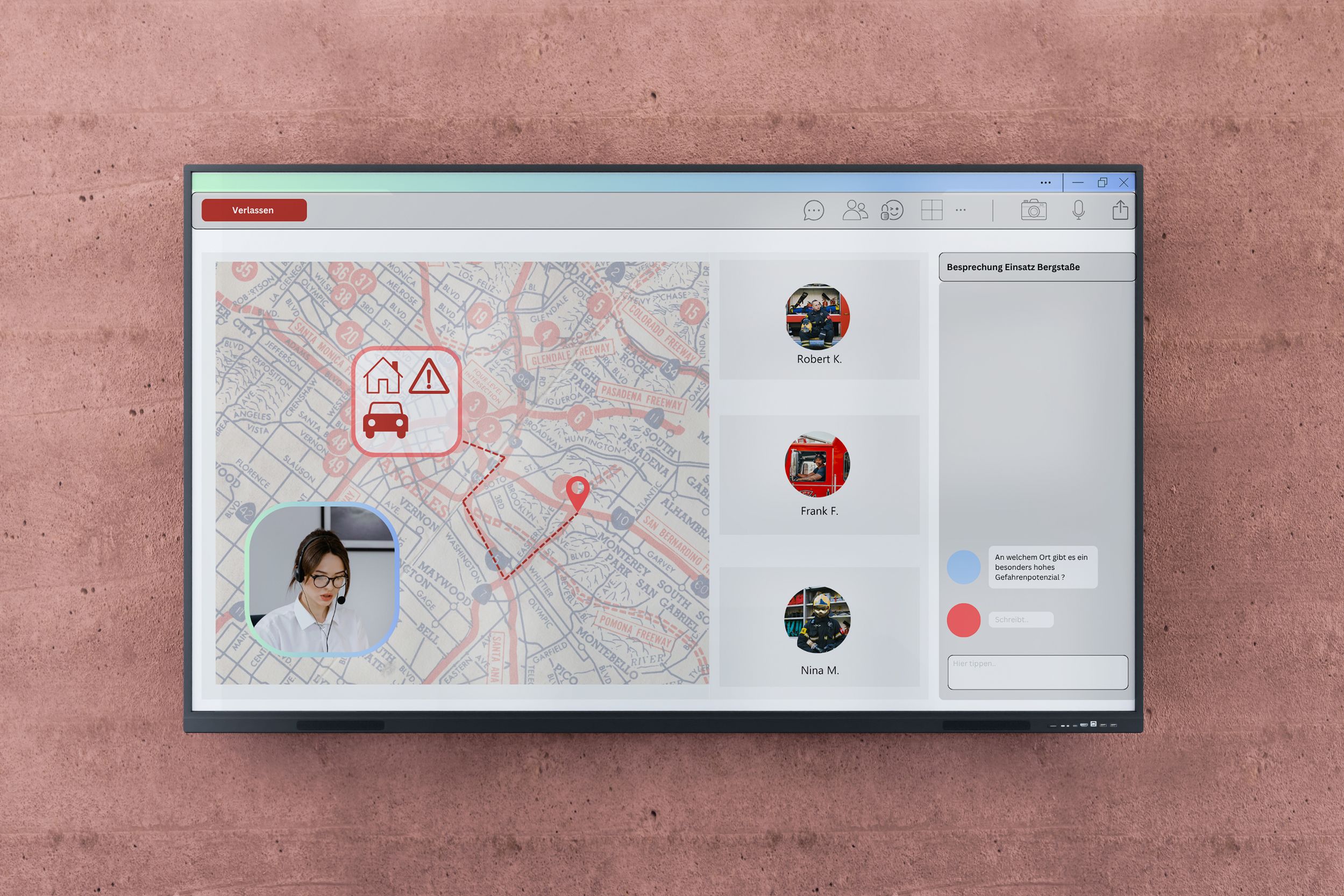
Not on site but still want to participate in meetings? The Microsoft Teams platform makes it possible. It can be used to conduct interregional training courses, even in groups, as well as meetings with vehicle manufacturers. This saves a lot of time and travel costs.

Technical details

  • VS-S-C3 (interactive large display with 40 infrared touch points), 86 inches
  • With wall mount (shown on the right) or optionally mobile (shown on the left)
  • Optionally with OPS (integrated computer)
  • Optional with MS10B conference system (camera, microphone, loudspeaker) and/or soundbar
  • Special offer for fire departments: Display including wall mount Media Wall 
Interactive displays for your fire brigade – the advantages at a glance

+ Intuitive operation
+ Robust design
+ Offline & online function
+ Customisable content

Drill by our plant fire brigade
Request consultation now
... or book a demo appointment right away.
  • Contact request VIT
Spread the word – arouse interest
Share this page and arouse interest in others.