Accessories for interactive displays | VS

Last search queries

Accessories for interactive displays | VS

Accessories rounding off your digital equipment
The right accessories are what make a digital solution complete. They help to make digital teaching even more professional. We offer you all the components you need to design interactive learning.
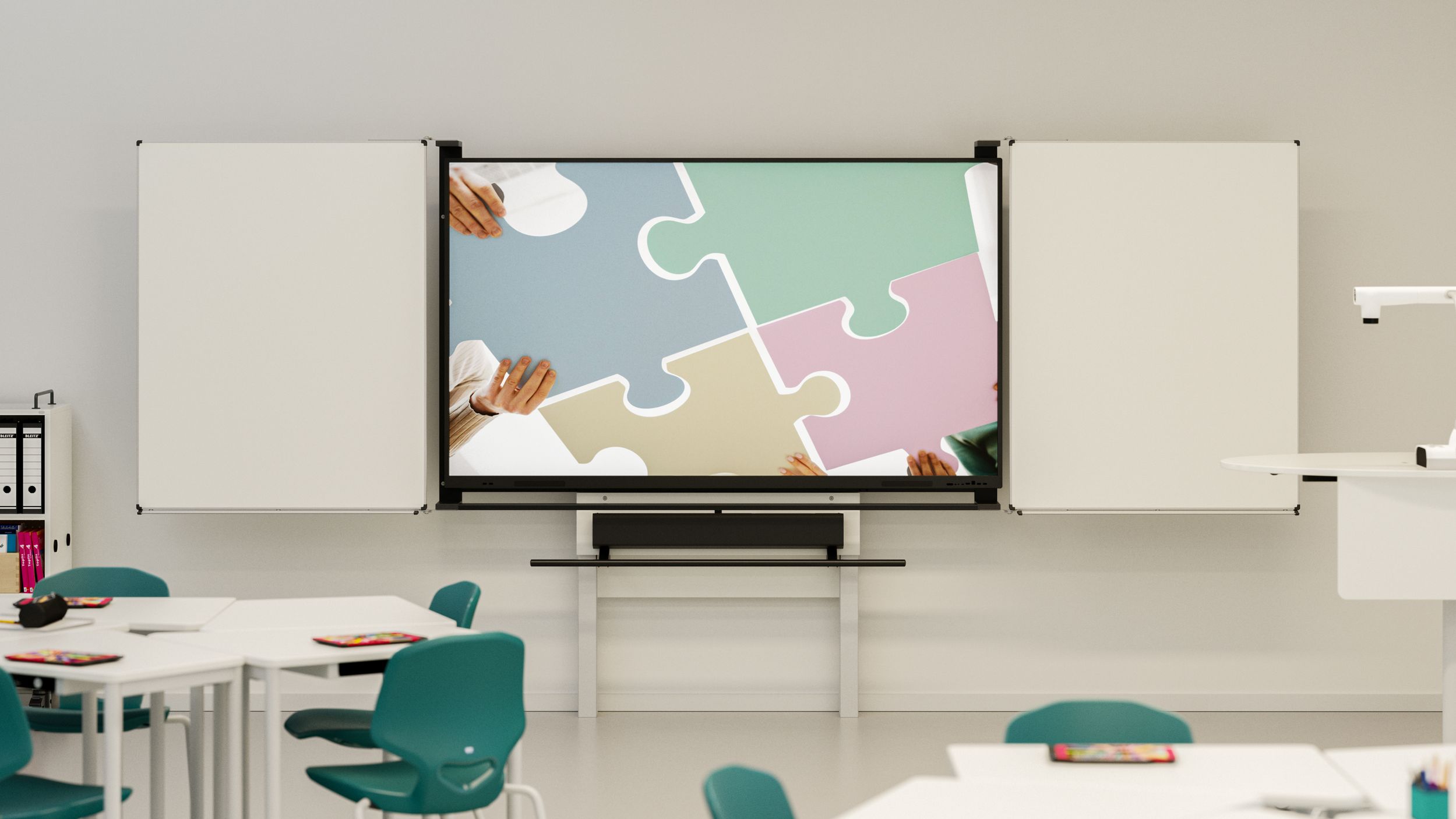
Classroom with display, blackboard and soundbar

Why are blackboard surfaces useful on displays?

Digital meets analogue: why blackboard surfaces on displays combine the best of both worlds. More space, more flexibility – for lessons that truly appeal to all the senses.

How to turn your display into a media centre

Displays for modern learning and working environments

Discover flexible solutions for schools and offices – intuitive, durable and ready for everyday use.

Learn more about our displays

Document cameras for your classroom

Experience powerful visualisation for education and office settings – intuitive, flexible and ready to use.

View our document cameras

Our accessory recommendations – curated for you
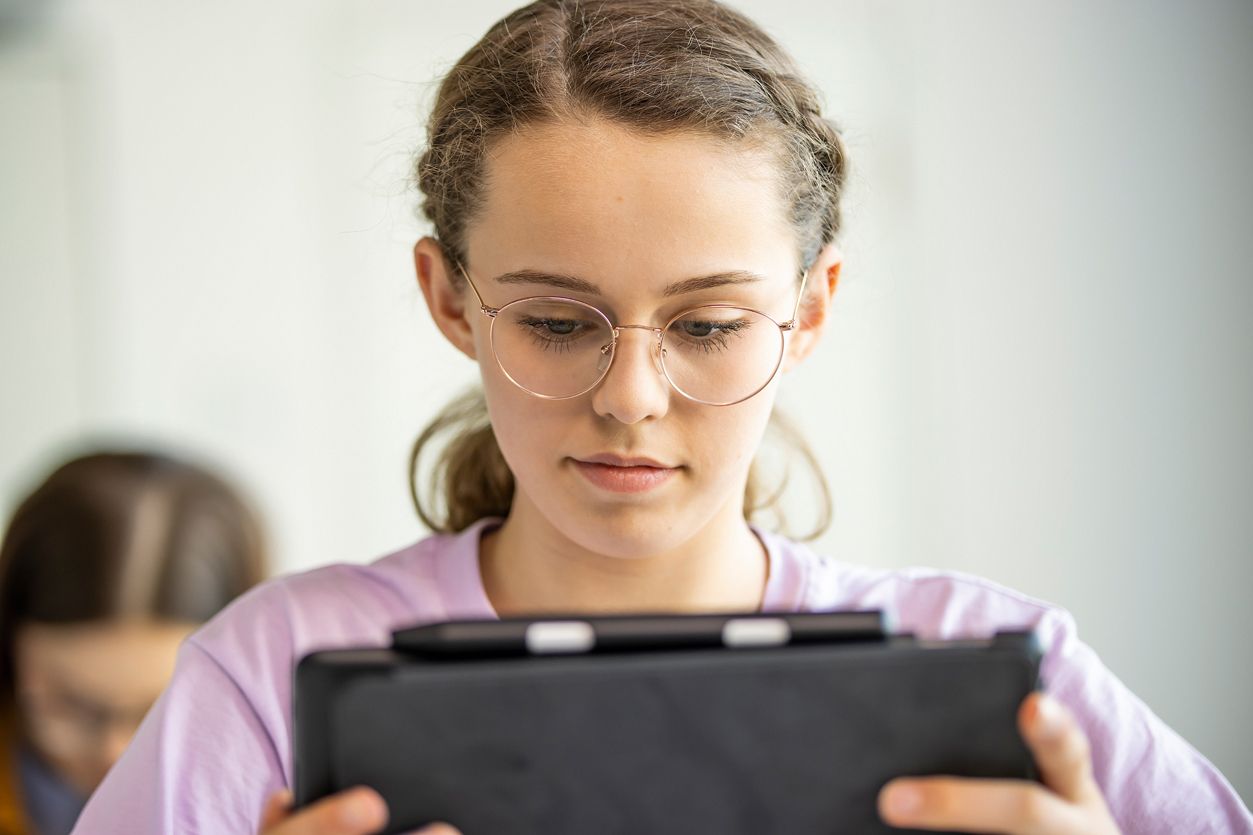
schooladmin – the edtech suite for digital schools
schooladmin is a software solution that brings together everything a school needs in the digital realm: device management, lesson management, communication, user management, data protection and IT administration. Instead of 5 different tools with 5 different passwords, there is just one login.
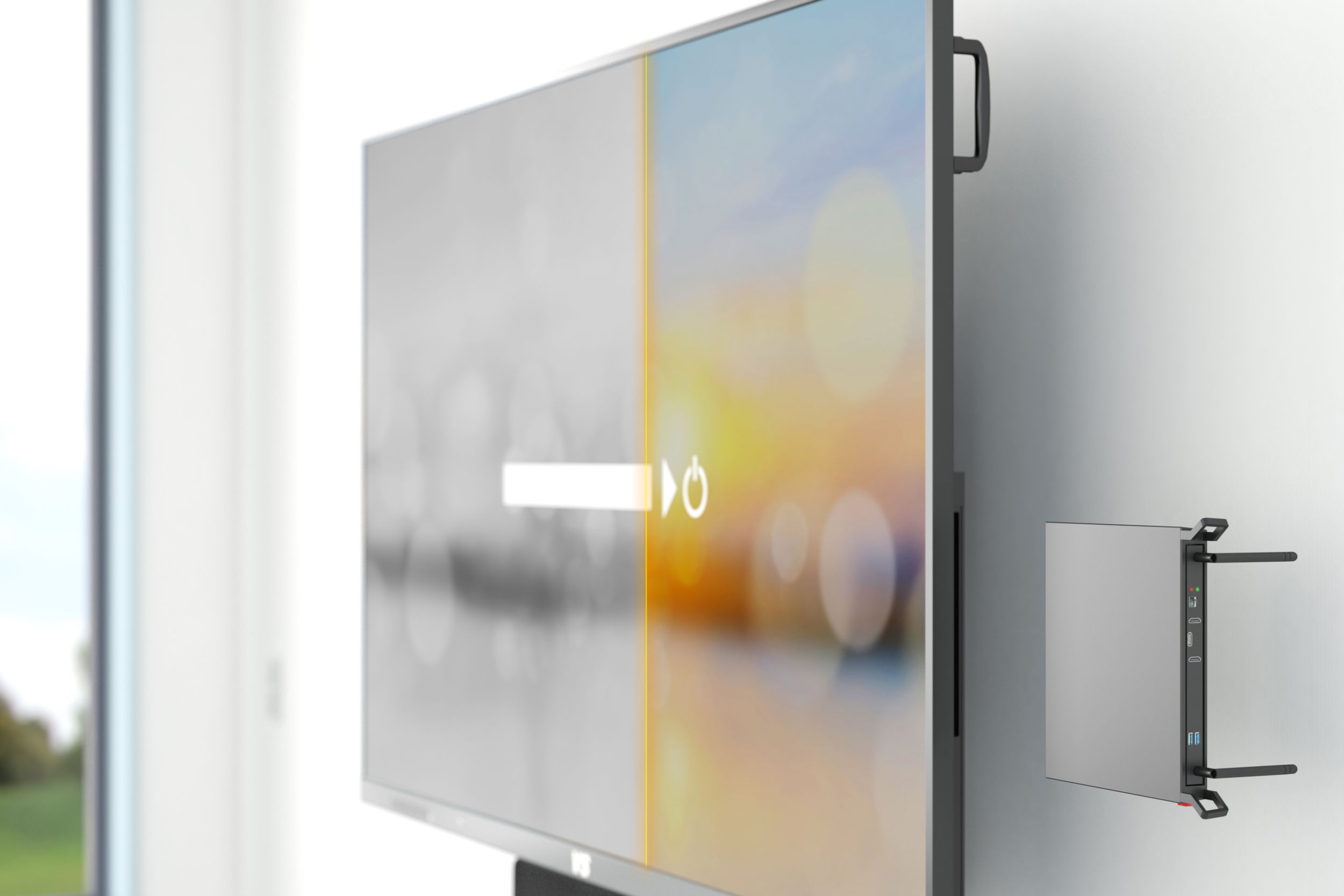
Updating old VS displays
Your interactive displays are getting on a bit and no longer work the way you need them to. But are you reluctant to replace devices that still work with modern, expensive ones running the latest operating system? Then we have a solution.
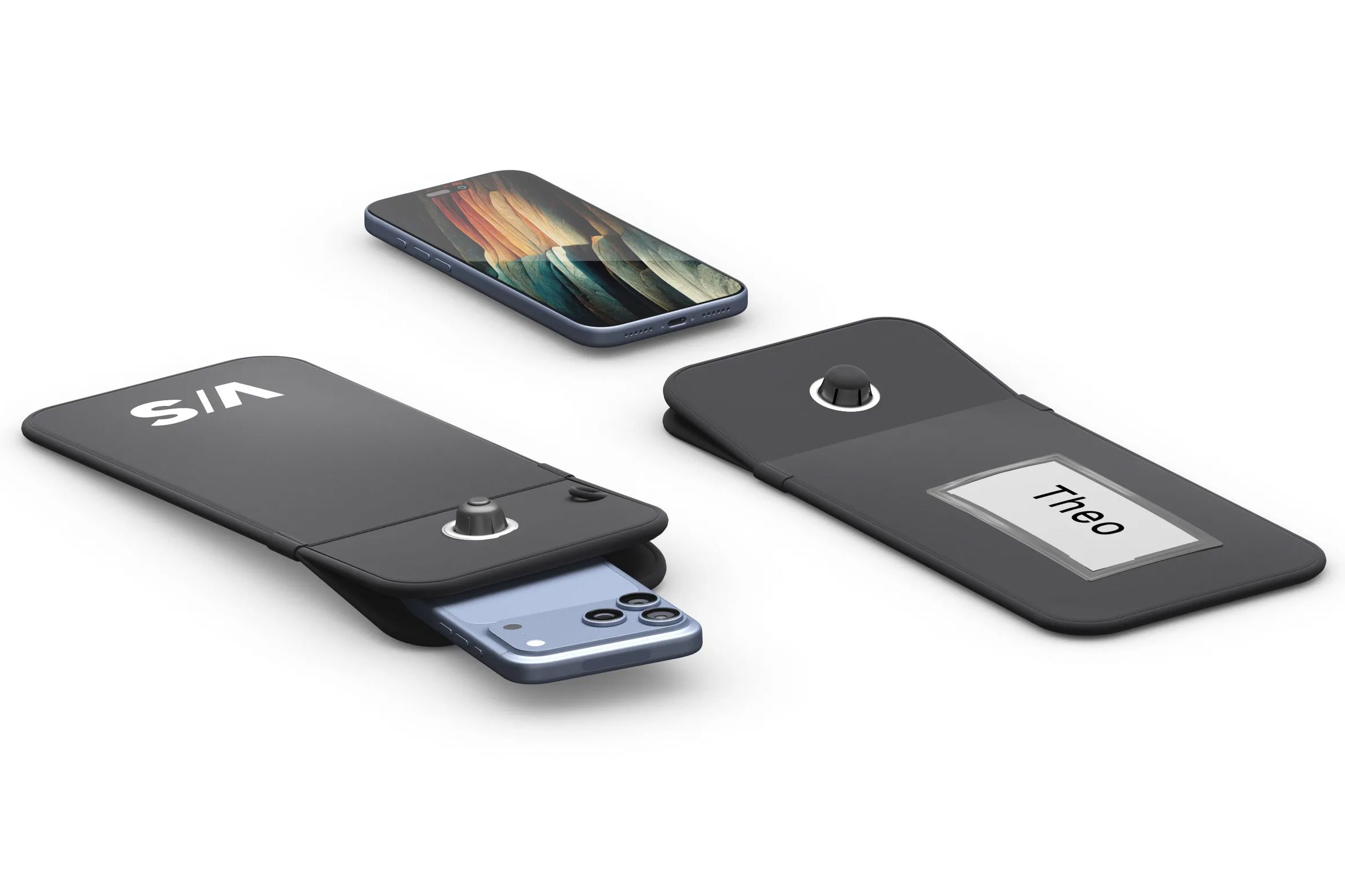
Lock-it and Store-it – keep your smartphones safe
Smartphones are part of everyday life, but they often cause disruption in the classroom. With secure storage options, you can create practical solutions for your school that are fair for everyone and bring peace of mind.
 
Screen Mirroring
The screen mirroring function allows the screen content of one or more end devices to be transferred to another device. This can usually be done using an app. If this is not possible with software, the mirroring function can be performed by external hardware, such as AirServer Connect or Apple TV 4K. These are attached to the support system in mounts that also protect against vandalism. If only Miracast-compatible Windows and Android devices are used in class, we recommend transferring screen content via the Microsoft Wireless Adapter. It is connected to the interactive display or projector via USB and HDMI. With this solution, only one device can be mirrored at a time.
 
Mini PC and slot-in PC
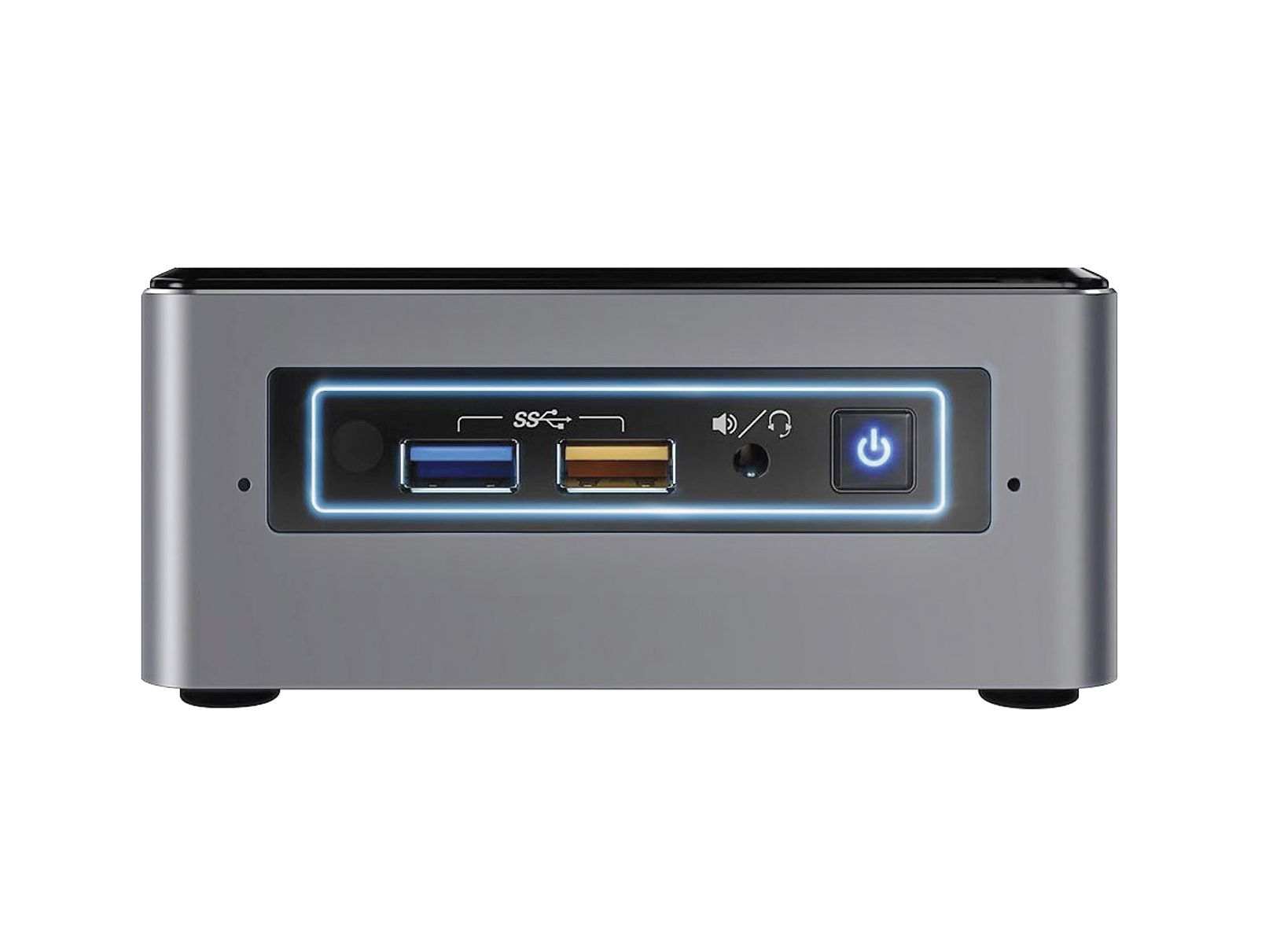
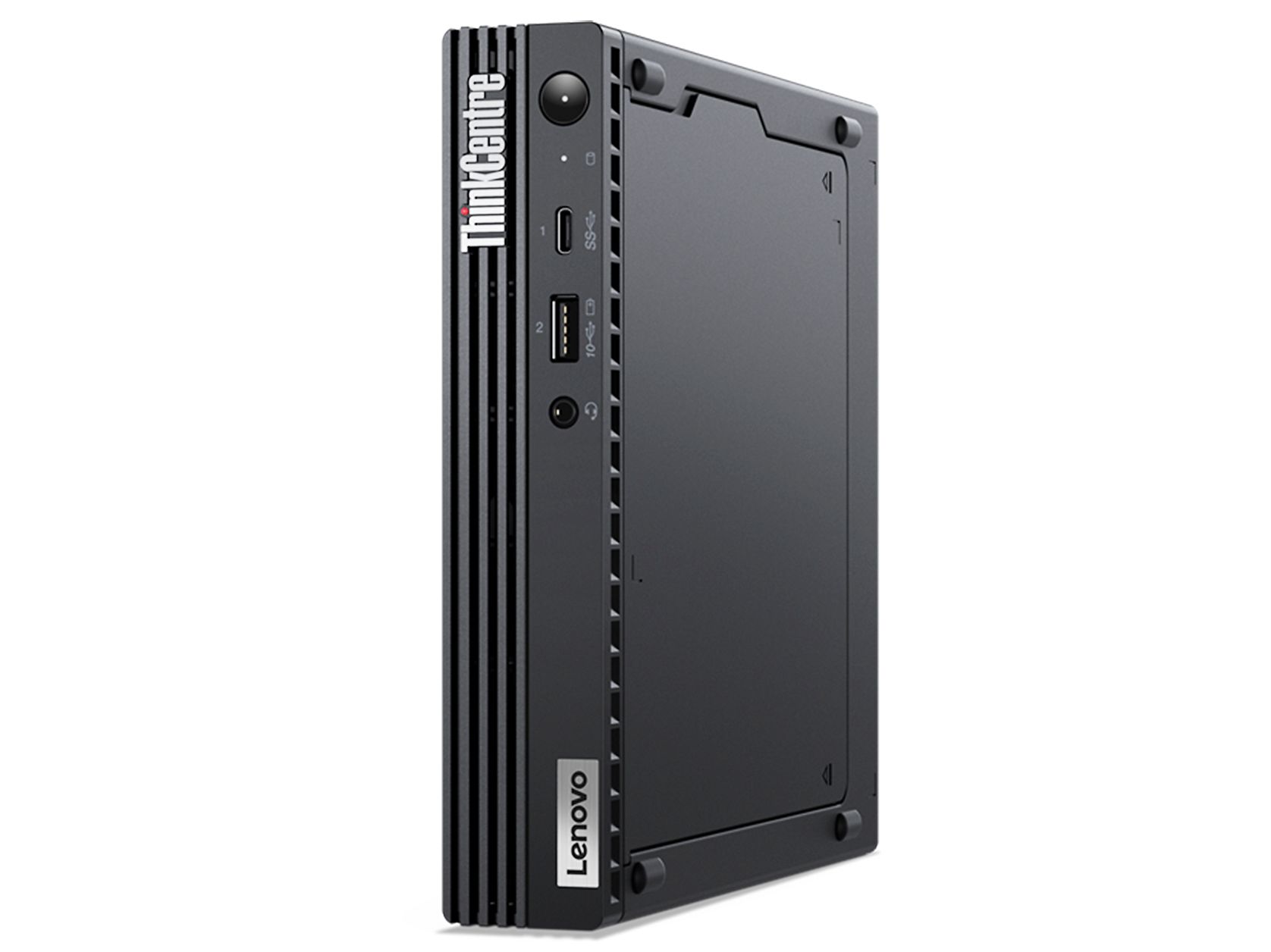
To expand the functionality of interactive whiteboards beyond the basic features of the Android operating system, integrated mini PCs or plug-in PCs (OPS) are recommended. With interactive displays, the mini PC is mounted on the side of the support system. The plug-in PC disappears into a slot on the side of the display to save space. With the VisuBoard, the mini PC is integrated into the overall system via a bracket. Mini PCs require little space and energy, yet offer the same expandability and performance as a desktop PC. RAM, processor and hard drive capacity can be selected as required. This gives you every opportunity to use your Windows software on the display or board.
 
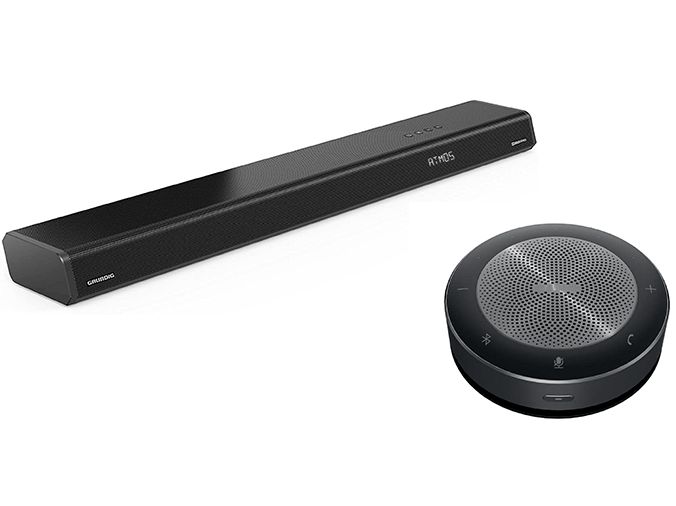
Soundbar and speaker
All interactive displays in our portfolio are equipped with integrated speakers. To ensure that students at the back of the room can also hear clearly, we recommend an additional audio system. A soundbar, which is usually mounted below the screen on the support system, has proven to be effective. We always recommend an additional audio system for interactive whiteboards. The best results are achieved with speakers arranged in pairs above the projection surface or with a soundbar.
 
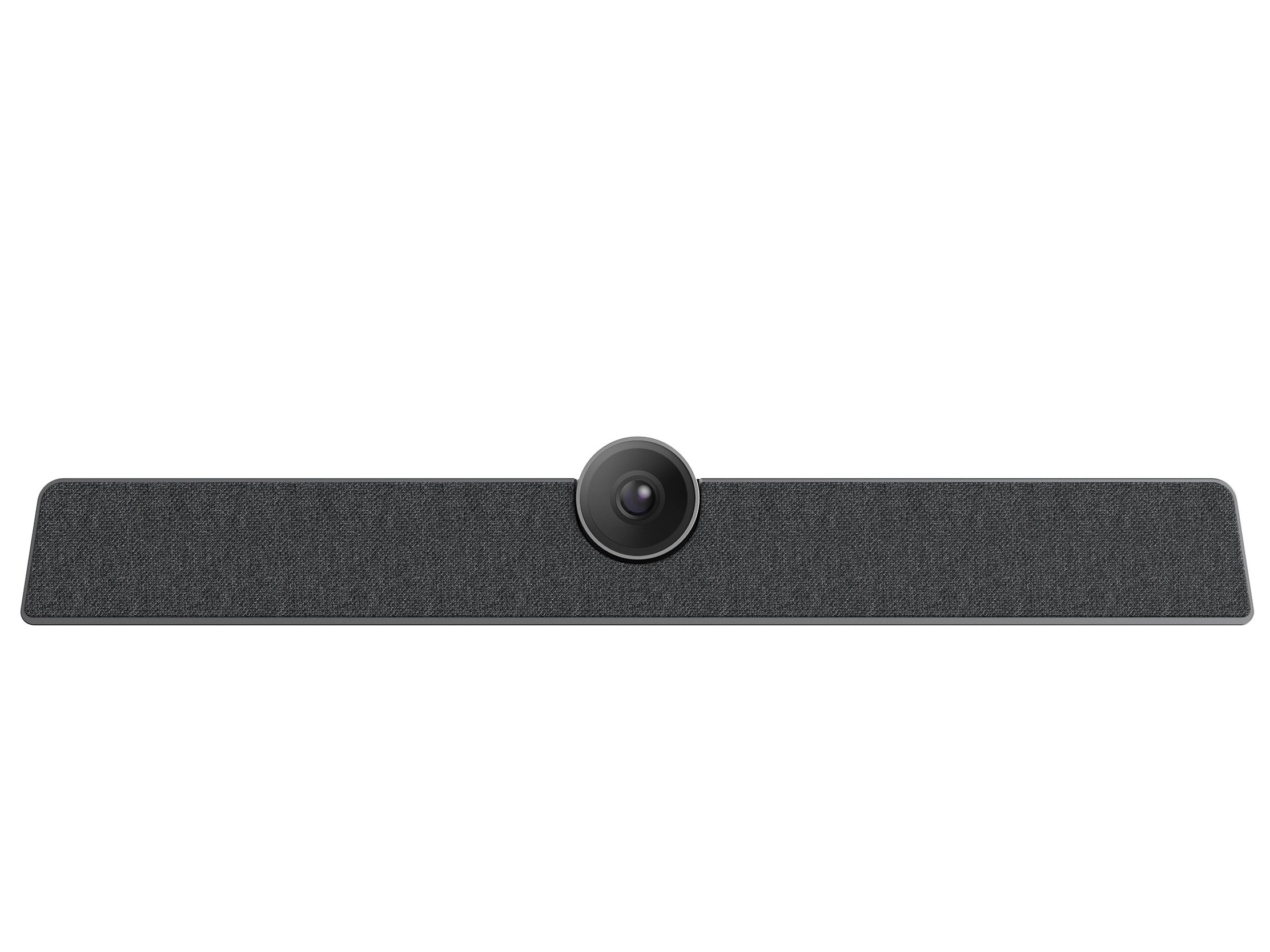
Video soundbar
Teaching is no longer confined to the classroom, but is finding its way to learners. If lessons are to be streamed from the classroom, equipment is needed that can transmit high-quality sound and images. A video soundbar is more practical than a combination of camera, microphone and loudspeaker. It is available as a permanently installed version on support systems or as a stand-alone solution.
 
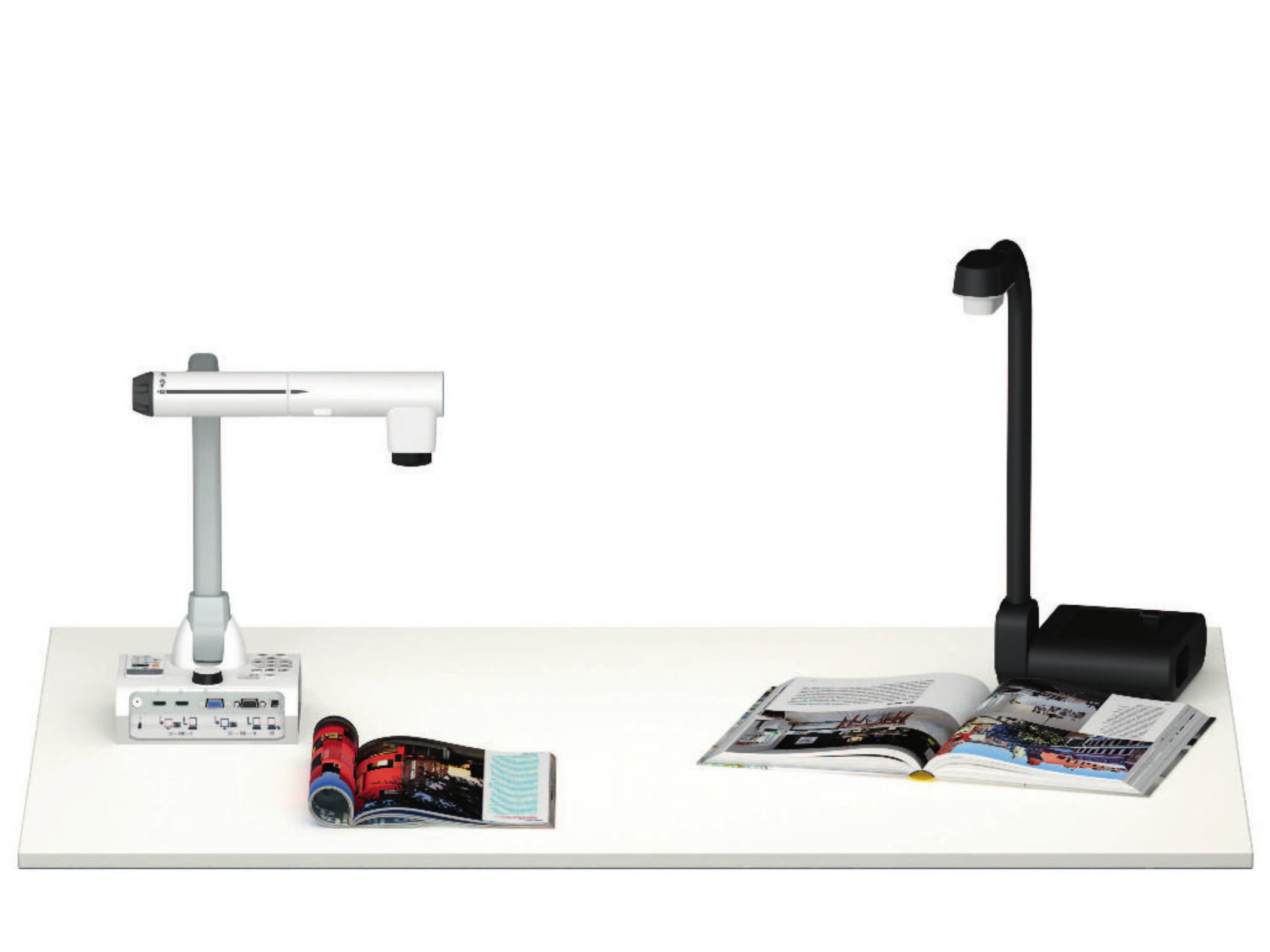
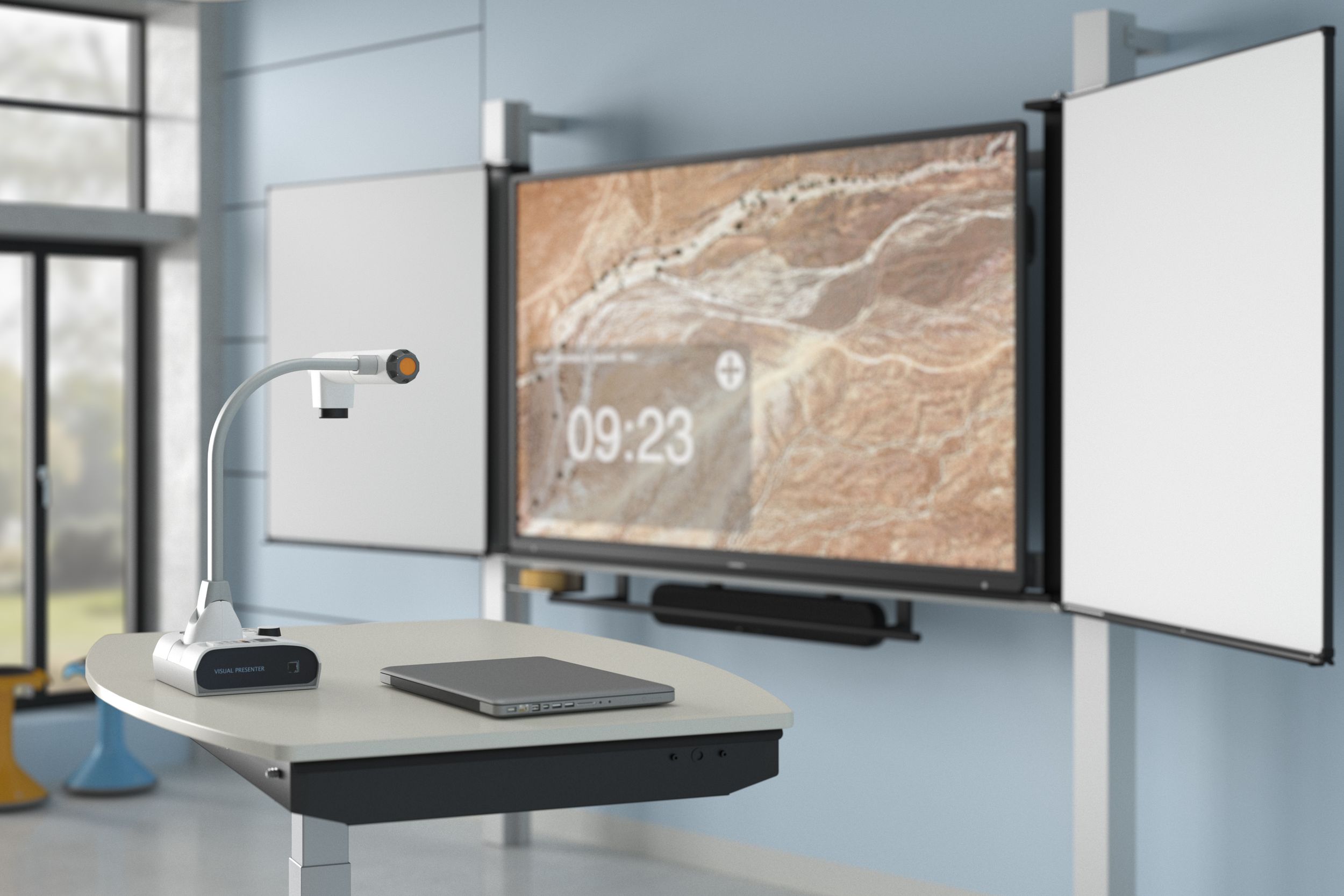
Two VS document cameras as accessories for interactive displays—for live presentation and digital sharing of content in the classroom
Document camera

Document cameras are the tool of choice for displaying analogue items digitally – from printed documents to exhibits from biology collections. The models we offer provide various options. They can transmit live to the screen. They also allow image and video recordings to be saved. Digital and optical zoom are standard features.

Depending on the camera model, comments or labels can be integrated directly into the digital image. Alternatively, analogue content can also be transferred digitally using the camera function of tablets. We offer tablet holders for this purpose.

88 products for Accessories for interactive displays | VS
Sort
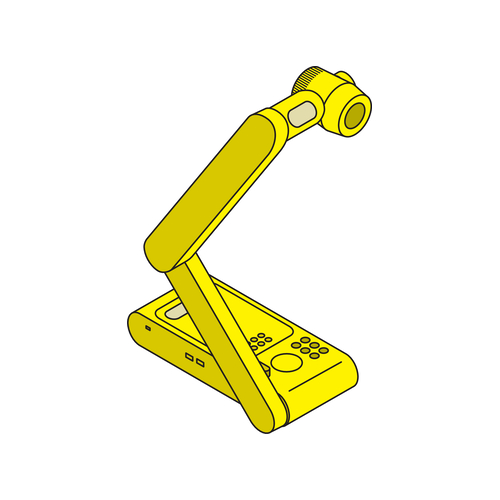
Smart-DocuCam - Document camera type 'SDC-650 '
Model: 71452
Smart-DocuCam

Document camera type 'SDC-650 '

Elmo-DocuCam - Document camera type 'L-12G '
Model: 71462
Elmo-DocuCam

Document camera type 'L-12G '

BoardUtil - Sponge and chalk container made of aluminium
Model: 06906
BoardUtil

Sponge and chalk container made of aluminium

PaperRail - Clamps
Model: 06916
PaperRail

Clamps

BoardUtil - Pointer
Model: 06920
BoardUtil

Pointer

W 100 cm

BoardUtil - Ruler
Model: 06921
BoardUtil

Ruler

W 100 cm

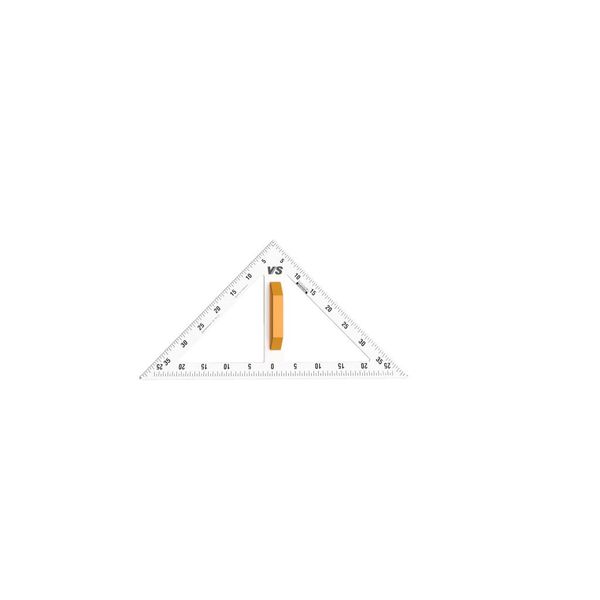
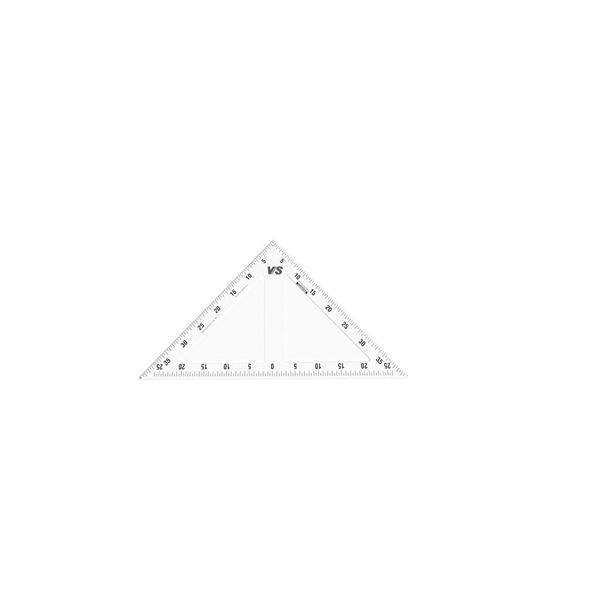
BoardUtil - 45° set square
Model: 06922
BoardUtil

45° set square

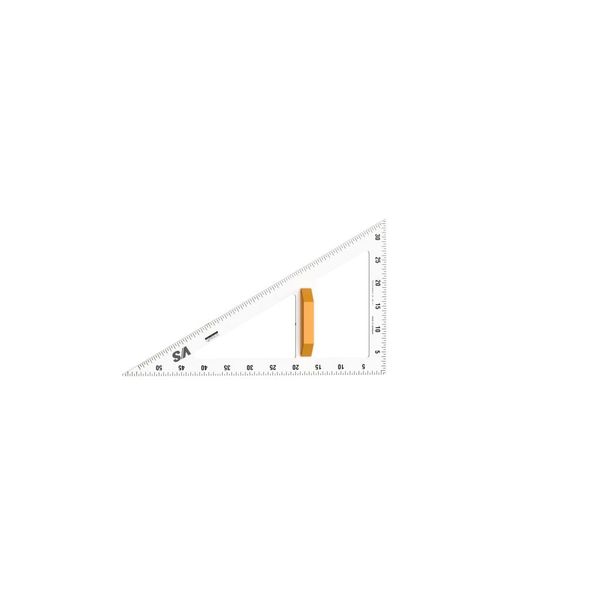
BoardUtil - 30° set square
Model: 06923
BoardUtil

30° set square

BoardUtil - Triangle
Model: 06924
BoardUtil

Triangle

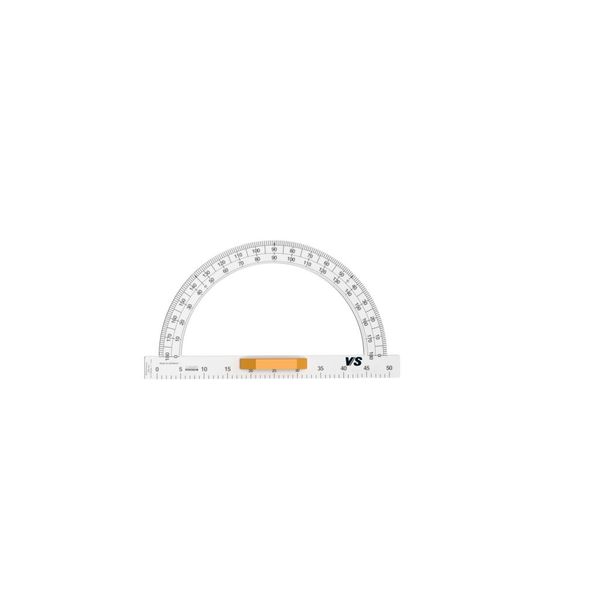
BoardUtil - Protractor
Model: 06925
BoardUtil

Protractor

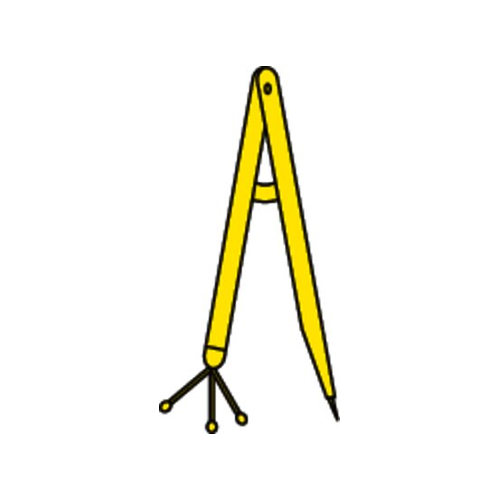
BoardUtil - Compass
Model: 06926
BoardUtil

Compass

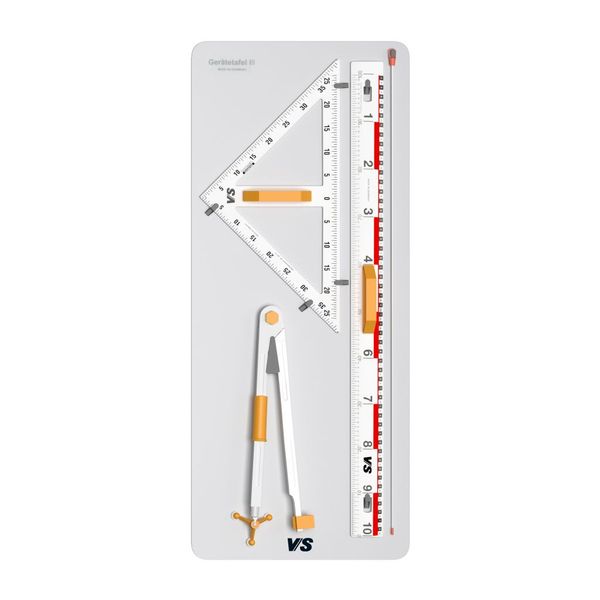
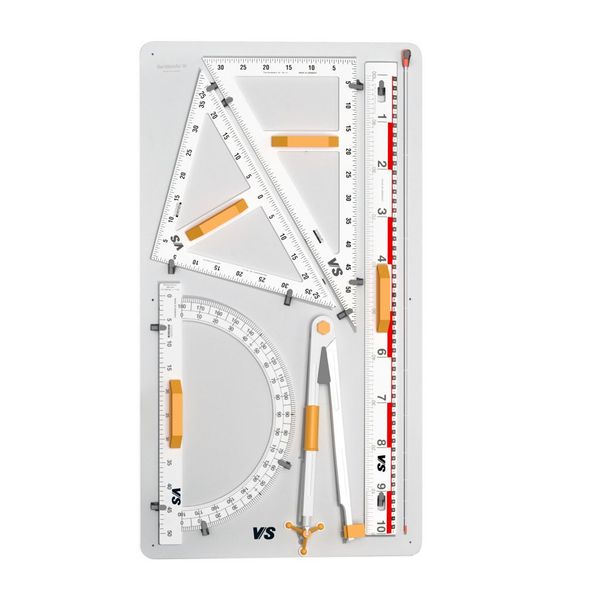
BoardUtil - Drawing equipment set, 5-piece
Model: 06936
BoardUtil

Drawing equipment set, 5-piece

BoardUtil - Drawing eqiupment set, 5-piece
Model: 06937
BoardUtil

Drawing eqiupment set, 5-piece

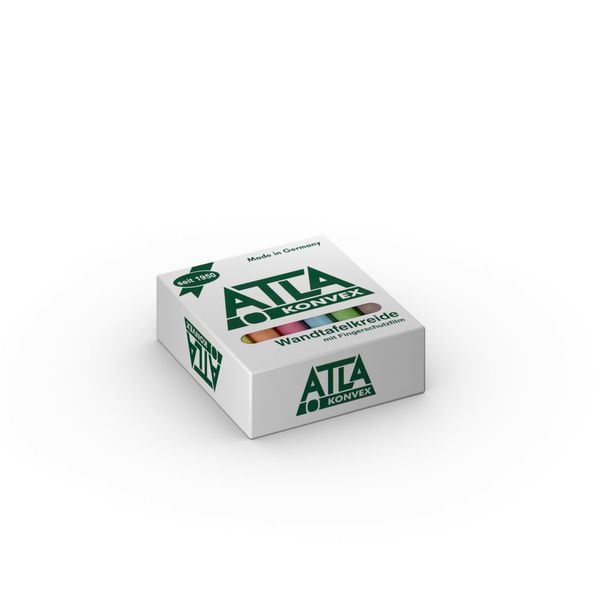
BoardUtil - Board chalk, coloured, 12 pieces
Model: 06950
BoardUtil

Board chalk, coloured, 12 pieces

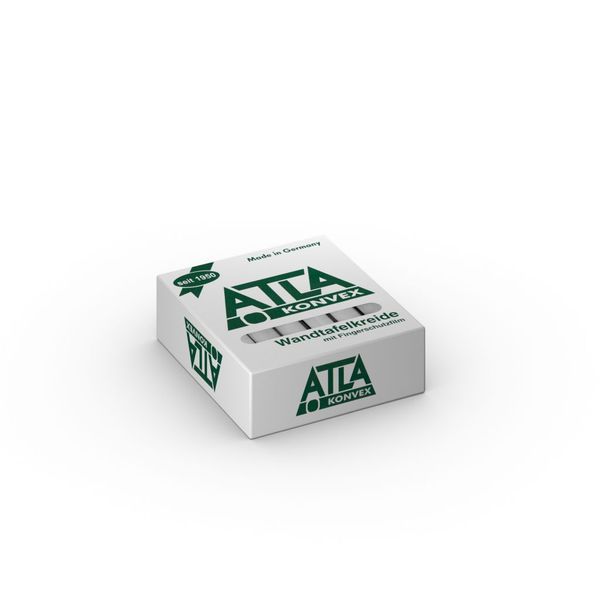
BoardUtil - Board chalk, white, 12 pieces
Model: 06951
BoardUtil

Board chalk, white, 12 pieces

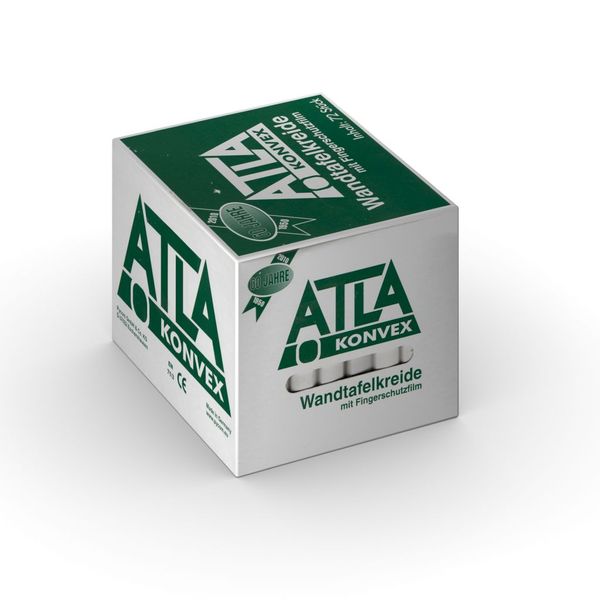
BoardUtil - Board chalk, white, 72 pieces
Model: 06952
BoardUtil

Board chalk, white, 72 pieces

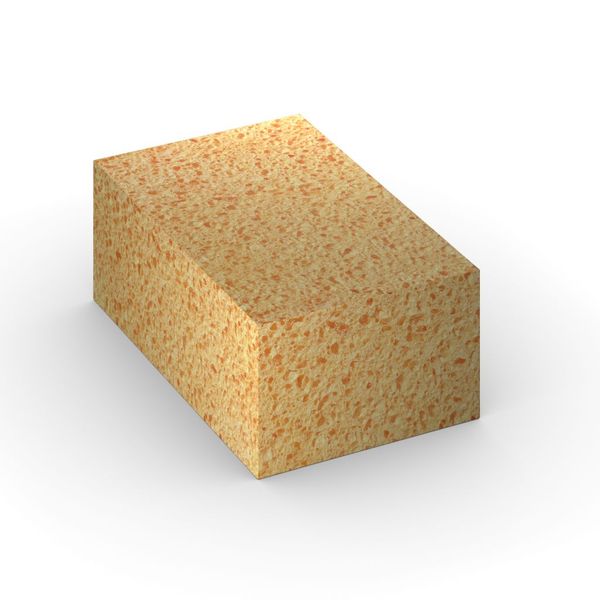
BoardUtil - Sponge for board chalk
Model: 06953
BoardUtil

Sponge for board chalk

BoardUtil - Dry sponge for board chalk
Model: 06954
BoardUtil

Dry sponge for board chalk

BoardUtil - Board eraser
Model: 06955
BoardUtil

Board eraser

BoardUtil - Eraser for whiteboards
Model: 06962
BoardUtil

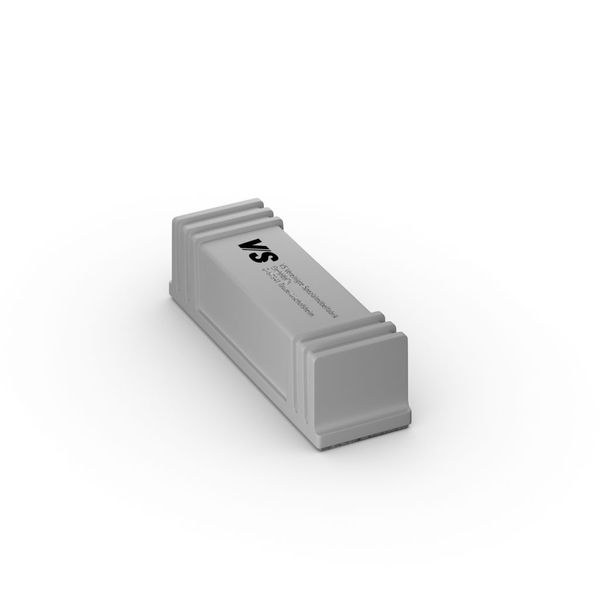
Eraser for whiteboards

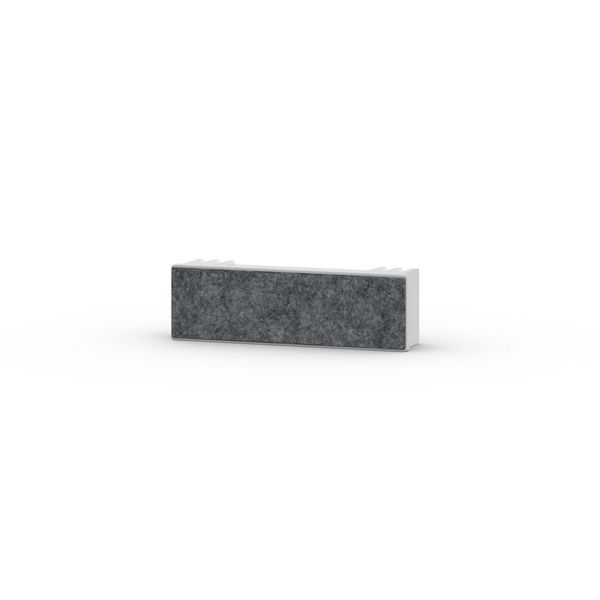
BoardUtil - Wiping felt for white boards, suitable for model 06962
Model: 06963
BoardUtil

Wiping felt for white boards, suitable for model 06962

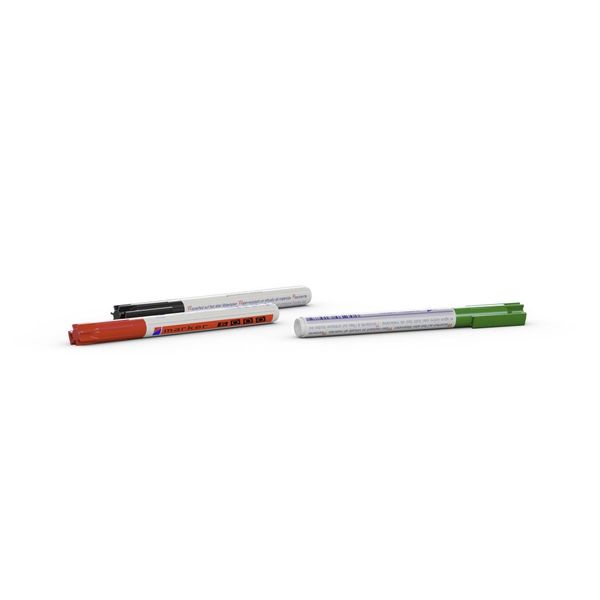
BoardUtil - Board marker pens for white boards, dry wipe
Model: 06966
BoardUtil

Board marker pens for white boards, dry wipe

MediaPro - Corner connector for basic rail
Model: 07801
MediaPro

Corner connector for basic rail

MediaPro - Stopper for basic rail
Model: 07802
MediaPro

Stopper for basic rail

1 2 3 4
Do you have any questions about our digital media?

Immediate support specifically for interactive media is available from our service hotline.

Monday to Friday: 8:00 - 16:30

You may also be interested in

#
Our services in the digital sector
Not sure exactly which IT services and support you need? No problem: we will work with you to develop a customised package. This will contain exactly the service modules you need to ensure that everything runs as planned. This allows all users to integrate interactive media into their work in a profitable way.
#
A woman raises her hand during a workshop
Training courses for hardware and software
In order to make the best possible use of digital devices and applications, new knowledge and skills are required. As your education partner, we are happy to assist you with our comprehensive range of training courses.
#
A father draws with his child on an interactive display by VS
Digital learning – where are the big leaps?
New technology requires new methods, says Jörn Muuß-Merholz. The media expert shows how innovative learning could work - and why schools struggle with it.
Spread the word – arouse interest
Share this page and arouse interest in others.